void · macOS 2026
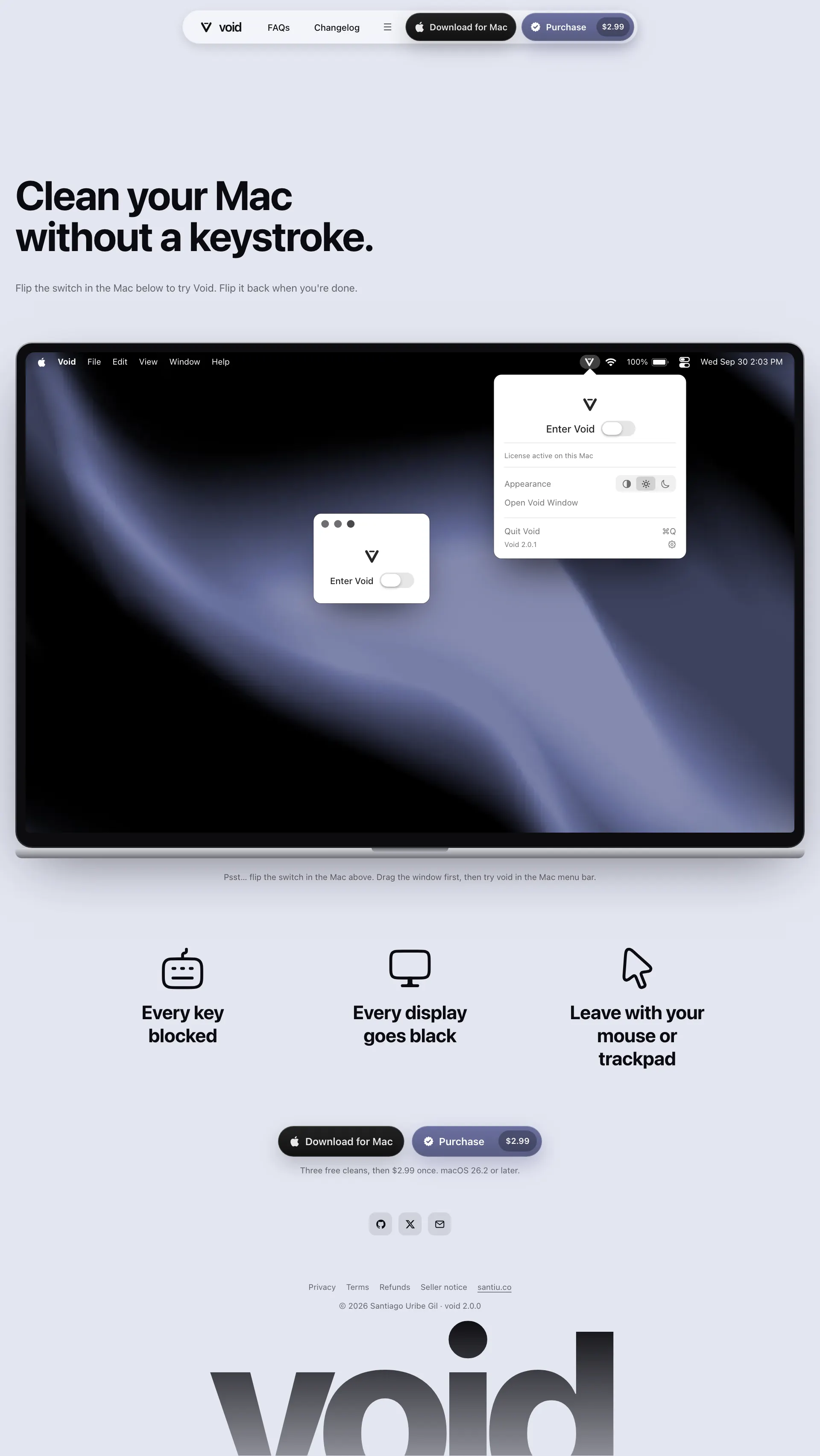
Black out every display. Lock the keyboard. Clean your Mac.
- Role
- Founder, Engineer
- Timeline
- May 2026 - Sep 2026
- Type
- macOS
- Stack
- Swift
- SwiftUI
- AppKit
- Xcode
- Stripe
- Polar
- Cloudflare Workers
Problem
Cleaning a Mac while it is on
Wiping a Mac keyboard presses its keys, and every press lands in whatever app is open. Void is for people who want to clean the keys and screen without shutting the Mac down. One switch blocks the keyboard and turns every display black. One click brings both back.
Role
Designer, engineer, and seller
I built Void alone: the Swift app, the website at voidcleaner.app, licensing, payments, and releases. I wrote 35 decision records along the way, so each choice below has a date and a reason.
Two constraints shaped the work. Blocking the keyboard needs macOS Accessibility permission, and once it is blocked the mouse is the only way out, so a bug that keeps it blocked strands the user until a forced restart. I also sell from Colombia with no company, so I could not open my own Stripe account.
Cleaning
One switch in, one click out
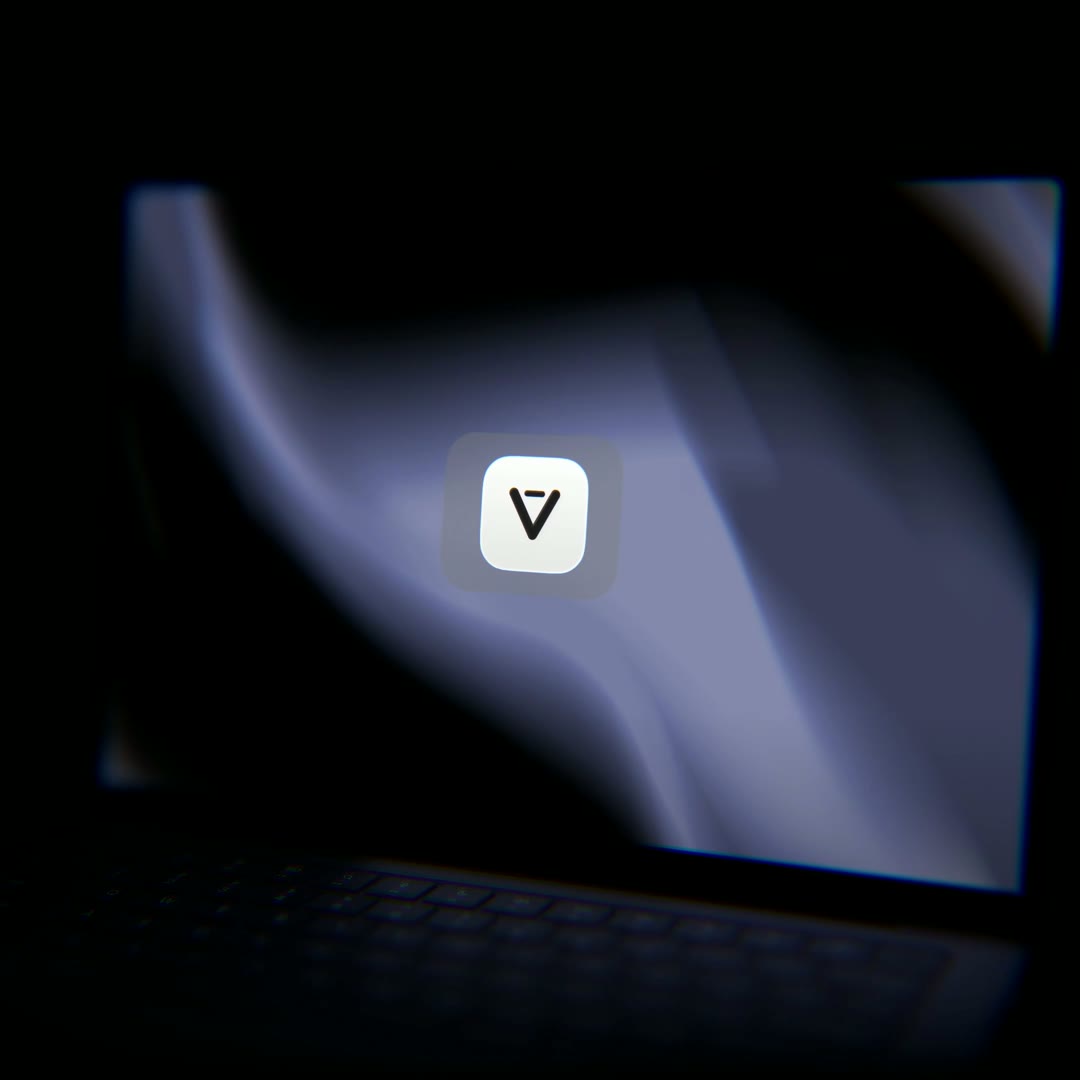
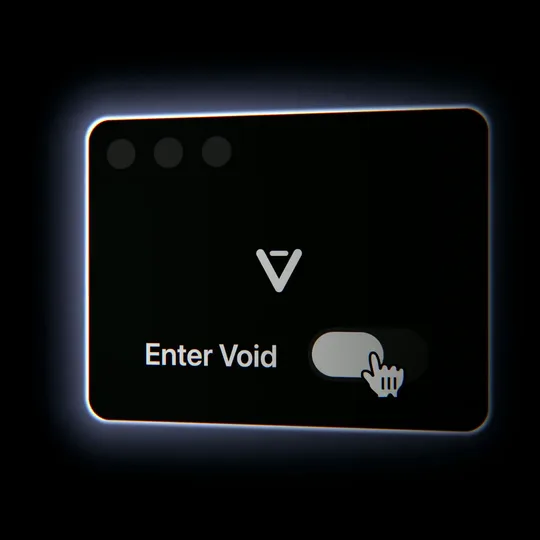
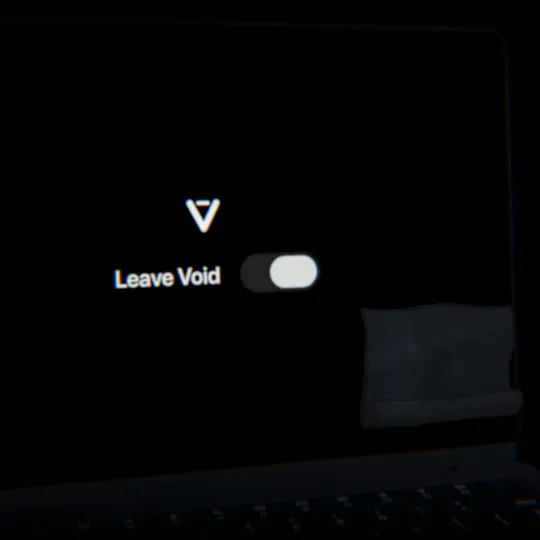
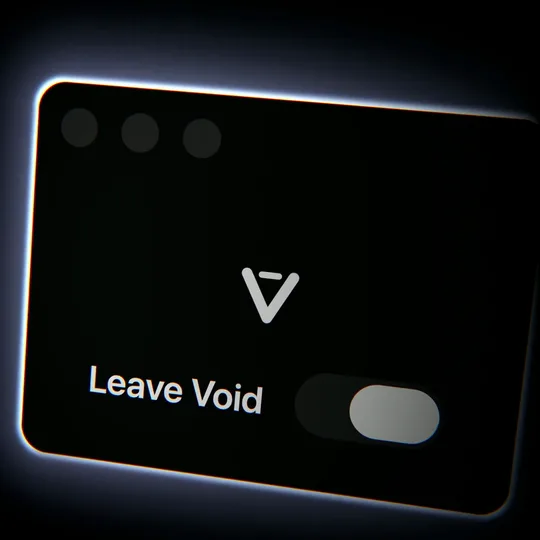
Void lives in the menu bar, and one clean covers every connected display. The stills come from the product film.
- 01
Switch on
Turn on Enter Void from the menu bar or the Void window.
- 02
Checks run first
Before touching the keyboard, Void confirms Accessibility access, at least 20% brightness on each display, room for an exit on each one, and a license or a free clean. If a check fails, Void stays off and says why, for example "Screen is at 12%. Raise the brightness first."
- 03
Keyboard, then black
Void blocks every key, modifier, and media key, then fades every display to black over 300 ms.
- 04
Clean
Keys do nothing. Each display shows the logo and a Leave Void switch in the same relative spot.
- 05
Click out
Click Leave Void on any display. The keyboard comes back at once and every display fades back over 200 ms. No key combination exits.
Safety
Every way out gives the keyboard back
With the keyboard blocked and every screen black, the user depends on Void to let them out.
Block the keyboard before the screens go black
- Instead of
- Fading the screens first
- Because
- No keystroke lands during the fade. If blocking fails to start, the screens stay untouched instead of going black over a working keyboard.
Refuse to start below 20% brightness
- Instead of
- Starting on any display
- Because
- On a display dimmed near zero, the Leave Void switch is invisible and the user is left clicking blind.
End the clean when a display changes
- Instead of
- Keeping an exit on a screen that may be gone
- Because
- The exit has to stay on a screen the user can see. Unplugging, resolution changes, mirroring, sleep, and screen lock all end the clean and release the keyboard.
Release the keyboard after 5 seconds without a heartbeat
- Instead of
- Trusting the main thread, where the only exit lives
- Because
- A hung app would otherwise hold every key until a forced restart. The watchdog counts timer ticks instead of elapsed time, so a sleeping Mac does not look hung.
Selling
From download to license
I sell Void directly for $2.99. Each release is signed with my Developer ID, notarized twice, once for the app and once for the disk image, and published as a universal build on GitHub Releases and in my Homebrew tap. The app and the website ship in English and Colombian Spanish.
- 01
Download
Get the disk image from voidcleaner.app or install it with Homebrew.
- 02
Try
Each Mac gets three free cleans. A clean counts only once the keyboard block starts, so a failed start costs nothing.
- 03
Buy
The pricing screen counts the free cleans down. The fourth attempt is refused before the keyboard is blocked, so pricing never appears over a black screen. Purchase opens Polar's hosted checkout.
- 04
Activate
Paste the license key into the Void window. One license covers two Macs, and either Mac can free its slot from inside the app.
- 05
Stay current
Void checks the license at most once a day and keeps working offline for 48 hours. Updates install from inside the app after Void verifies the download's digest and signature, and roll back if the new version fails to launch.
Payments
Choosing how to charge $2.99
Polar as merchant of record, with payments on Stripe
- Instead of
- My own Stripe account, Lemon Squeezy, or Paddle
- Because
- Stripe's sign-up needed a US phone, and forming a US company cost more than I could spend. Lemon Squeezy's review was still pending three days in, and I wanted to launch. Paddle's hosted checkout was not open to me, and Paddle does not manage license keys. Polar accepted an individual seller in Colombia, takes card payments through Stripe, handles license keys and activation limits, and I can keep it after moving to the US.
Selling outside the Mac App Store
- Instead of
- The Mac App Store
- Because
- I did not want to give Apple a cut of a $2.99 app. The store also requires the sandbox, and Void blocks key events across the whole system, which I never proved works inside it. Switching would have meant replacing the updater and the license keys too.
Three free cleans, then the paywall
- Instead of
- A paywall before the first clean
- Because
- People should see the real app work before they decide to buy.
Tie each activation to the Mac that made it
- Instead of
- Releasing the other Mac's slot when a copy shows up
- Because
- Copying a Keychain or running Migration Assistant carried a license to any number of Macs. Releasing the slot remotely would take access from the Mac the copy came from. The new Mac forgets the copy and asks for the key instead, which claims a slot Polar can count.
Outcome
What shipped
Void 2.0.1 is the current release, out September 20, 2026, and it has made its first sales. A clean takes one switch and one click with the Mac still on.
Before release I ran the full licensing path against Polar's sandbox on a signed build: three real cleans across two displays, refusal of the fourth, checkout, activation, a paid clean, deactivation, and relaunch.
The numbers below come from the 1.4.0 build, measured on September 18 on Apple silicon.
186 ms
Median warm launch, 5 runs
0.0%
Idle CPU, 3 runs
30 MB
Idle memory, menu bar only